SHAW PRIVATE OFFICE / PROPOSED HALO AI SETUP
AI for private bankers.
Run it in your office.
Review client records, search research and prepare financial scenarios without sending confidential data to an outside AI service.
The setup combines a SovereigntyBox, Halo AI software and a local language model. Your practice controls the records, processing, access and sharing. Document preparation and integrations are scoped to your requirements.
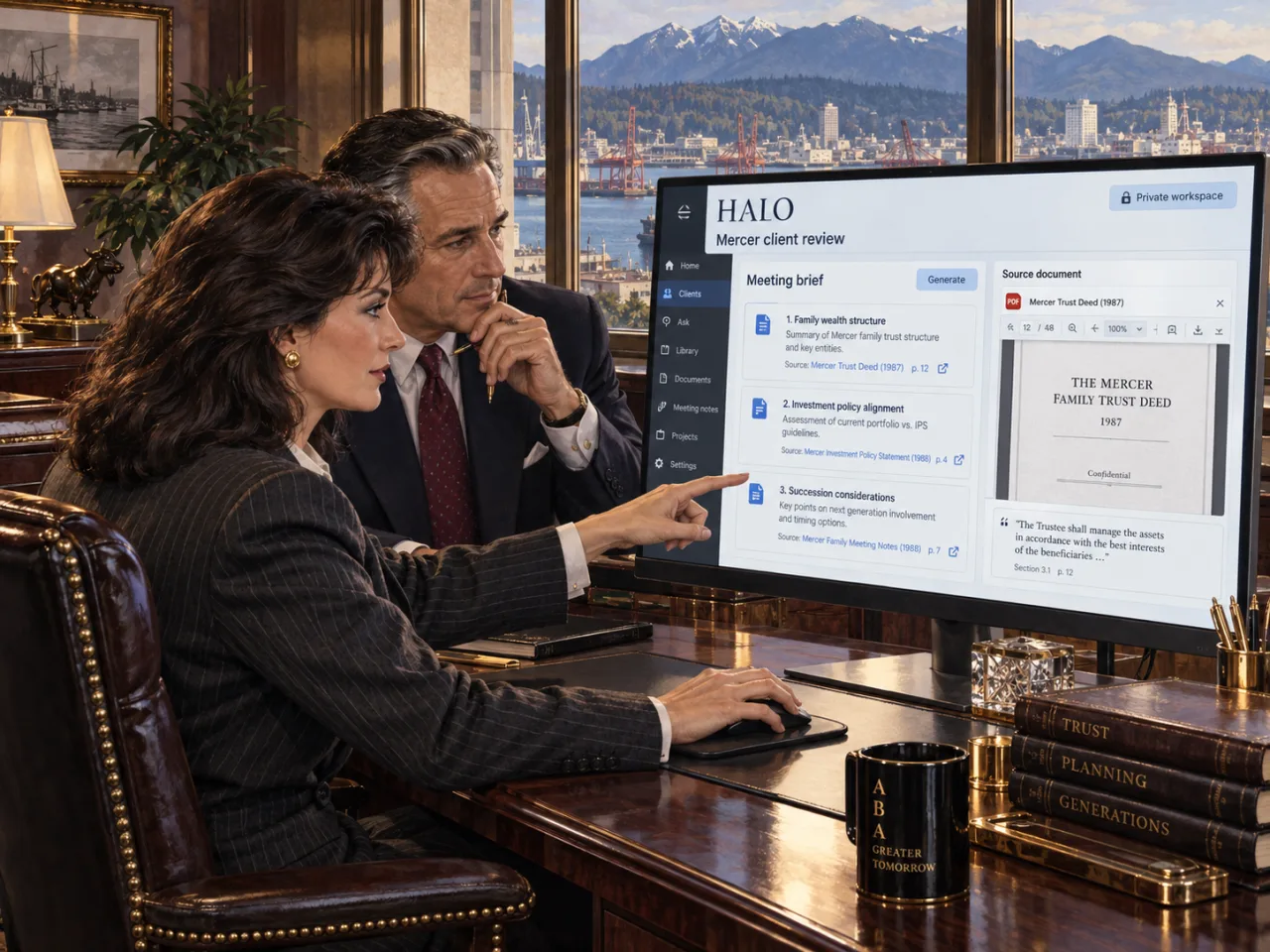
EXAMPLE: A CLIENT’S PURCHASE
“Can I fund the purchase and keep my cash reserve?”
Helen Mercer asks her banker, Adrian, to check a planned purchase. He needs her current balances, expected costs and cash-reserve target.
The practice prohibits uploading client records to unapproved AI services. The proposed Halo AI system processes her documents and runs the analysis on premises. Adrian checks the sources and calculations before discussing the results with Helen.
HOW IT WORKS
Three steps to a client brief.
- 01 / DOCUMENTS
Read the client’s records.
IDP—intelligent document processing—extracts dates, accounts and figures locally. Staff check uncertain readings against the original pages.
- 02 / RESEARCH
Find relevant research.
Search your approved research library alongside the client’s permitted records. Halo AI drafts an explanation with source references and dates.
- 03 / CALCULATIONS
Compare the scenarios.
A calculation tool or reviewed spreadsheet computes the figures. The banker checks the assumptions and approves the client brief.
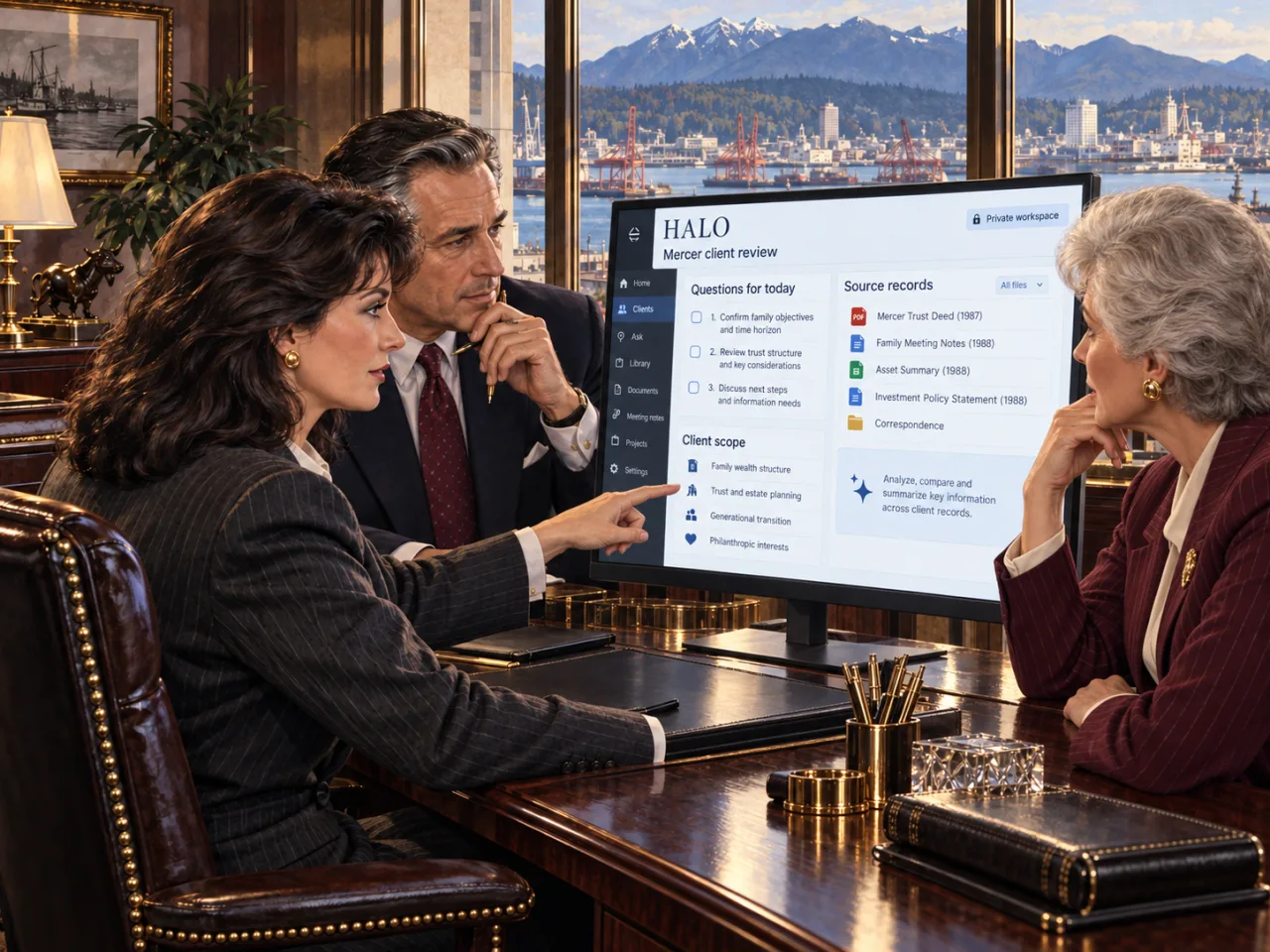
CLIENT CONFIDENTIALITY
Keep each client’s file separate.
Staff and AI searches must respect client-level permissions. The shared research library does not expose one client’s records to another.
Any handoff to an accountant requires an approved recipient and document list. Banks and custodians remain the source of account and transaction records.
SAMPLE OUTPUTS
See the research, figures and checks.
Open an example. All records and figures are fictional. These previews do not connect to AI or upload data.
WHAT YOU BUY
Your hardware. Locally installed Halo AI.
Specify an on-premises system for document processing, search, AI and calculations. Keep records, logs and backups under your practice’s control. Choose the hardware after testing your document types, workload and user numbers.
What is included in the quote?
Hardware and bundled Halo AI software, with document setup, integrations, research licences and ongoing support priced separately. Local deployment can still have recurring fees.
What gets tested before launch?
Run a sample case with internet access blocked. Check for external processing, test client permissions and restore a backup. Check answer accuracy and calculation results. Your security and compliance team approves real-data use. These tests have not been performed for this fictional case.
How are research and software updated?
Import licensed research through an approved process without exporting client files or identifying queries. Your practice authorizes software updates and remote support.
How do we judge whether it is worth buying?
Compare preparation time, corrections and review effort with your current process. Include setup, licensing and support costs. Select a model and system that meet those measured requirements.
Explore local models →START WITH A PILOT
Test one client-review task.
Tell us your document types, user numbers and on-premises requirements. We’ll scope the hardware, software and setup for a pilot using sample records.

ILLUSTRATIVE CASE. Fictional people and records; AI-generated artwork. This proposed setup is not a completed deployment, privacy certification or financial advice. No transactions or disclosures are executed. Real-data use requires technical testing and institutional approval.